Now Available — Free on the App Store
Snap your fridge.
Get real recipes.
PhotoFridge uses AI to detect what's in your fridge and generate personalized recipes in seconds. No planning. No waste.
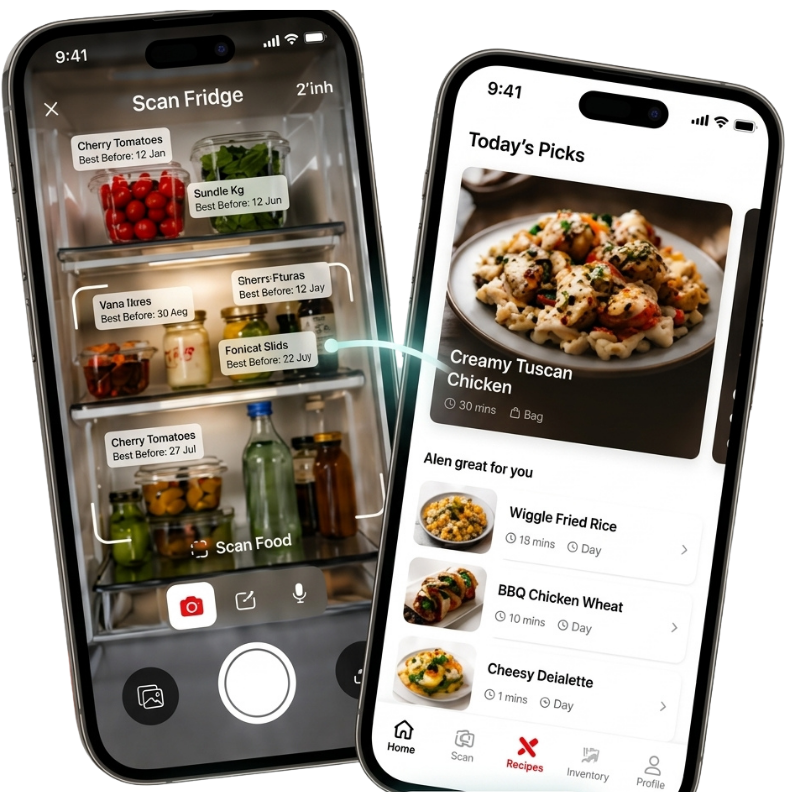
PhotoFridge uses AI to detect what's in your fridge and generate personalized recipes in seconds. No planning. No waste.
You already bought the food. The hard part is remembering what's in there and deciding what to make before it goes off. PhotoFridge does both in about ten seconds.
No subscriptions. No meal kits. Just your ingredients and smart AI that turns them into real, cookable recipes.
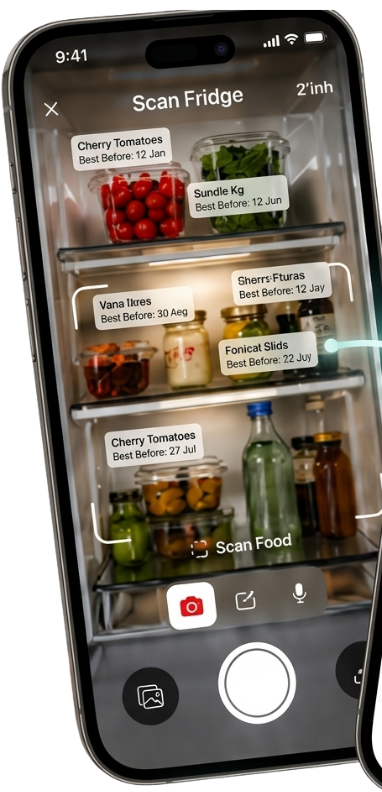
Take a photo of your fridge or pantry. AI identifies every ingredient in seconds.
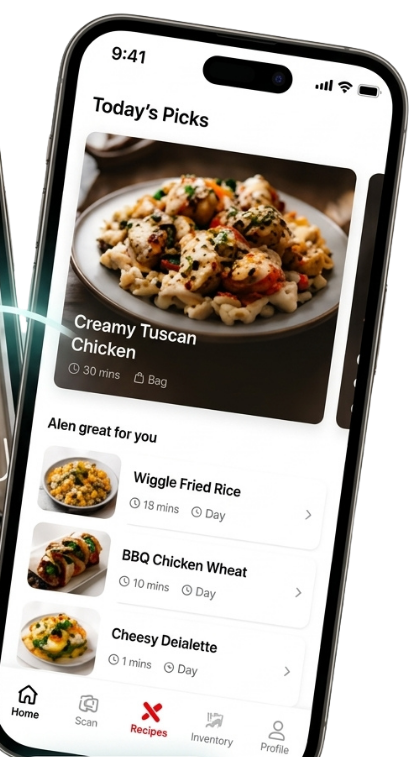
Get 5+ personalized recipes based on exactly what you have. No missing ingredients.
Calories, protein, carbs, and fat for every recipe. Make informed choices.
Follow guided instructions with equipment lists, prep steps, and timers.
Add, remove, or modify detected ingredients before generating recipes.
Your photos are never stored. No accounts required. Your data stays on your device.
Most recipe apps ask you what you want to cook. We start with what you already have.
Built for real people who want to cook more and waste less.
Open the app, point at your fridge, and take a photo. Our AI instantly identifies every ingredient — from eggs and milk to that leftover sauce in the back.
No more "you need 12 ingredients you don't own." Every recipe is built around what's already in your kitchen.
Ideas to help you cook smarter, waste less, and eat better every day.
Quick recipes using the 3 ingredients everyone has at home.
Simple changes that save money and cut food waste in half.
From ingredient detection to recipe generation — what's next.
Budget-friendly dinners you can make with a dorm fridge.
Fast, filling recipes that don't need any skill.
A no-BS guide to calories, protein, and macros.
PhotoFridge uses Google Gemini AI to analyze photos of your fridge or pantry. It identifies individual ingredients from the image and lets you review or edit the list before generating recipes.
Yes. PhotoFridge is free to download on the App Store. A Pro subscription unlocks unlimited scans and recipes.
Your photos are processed to detect ingredients and are never stored permanently. We don't sell your data. API keys are stored securely in environment variables.
Not yet — we're launching on iOS first. Android support is on our roadmap and coming after the initial release.
Cook Mode gives you step-by-step instructions for any recipe. It shows ingredients, equipment needed, and walks you through each step so you can follow along hands-free while you cook.
PhotoFridge is live and free on the App Store. Download it and cook something tonight.
Or get an email when we ship something new.